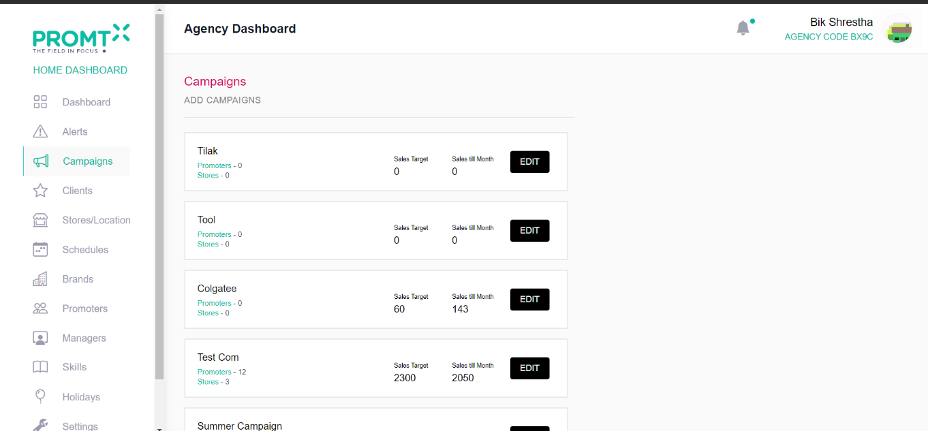
User can create the campaign from the campaign page.
Note: User should be on the Agency dashboard.
Step 1: Click on the “Campaign” from the side navbar.
User will be able to view Campaign list here.
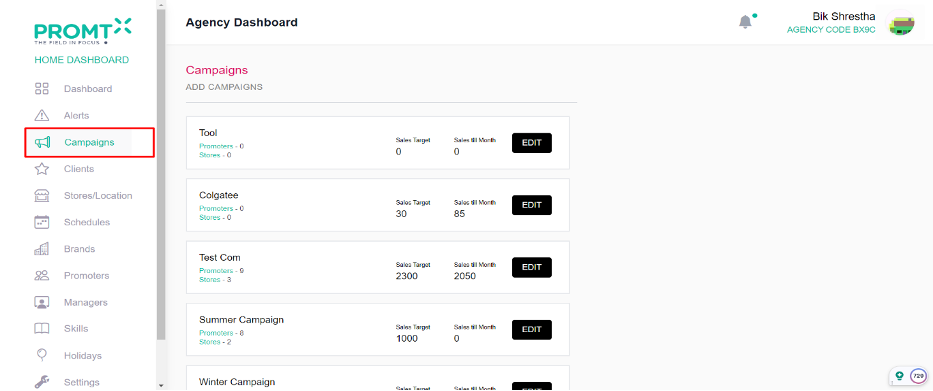
Step 2: Click on Add Campaigns
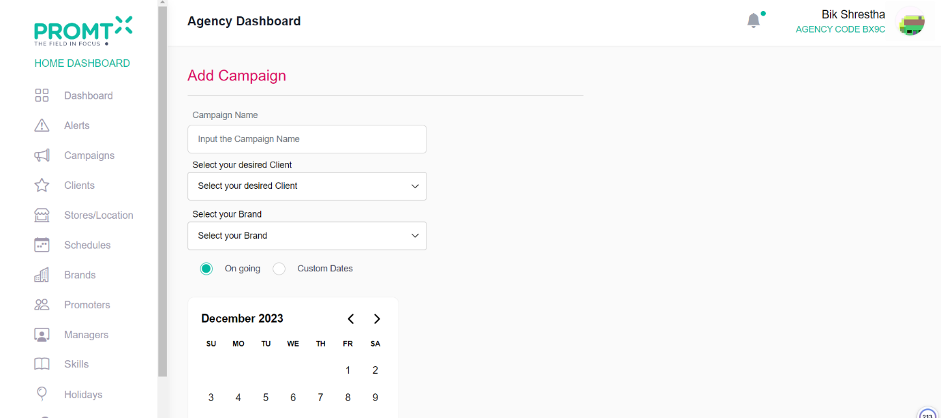
The user can view the add campaign page.
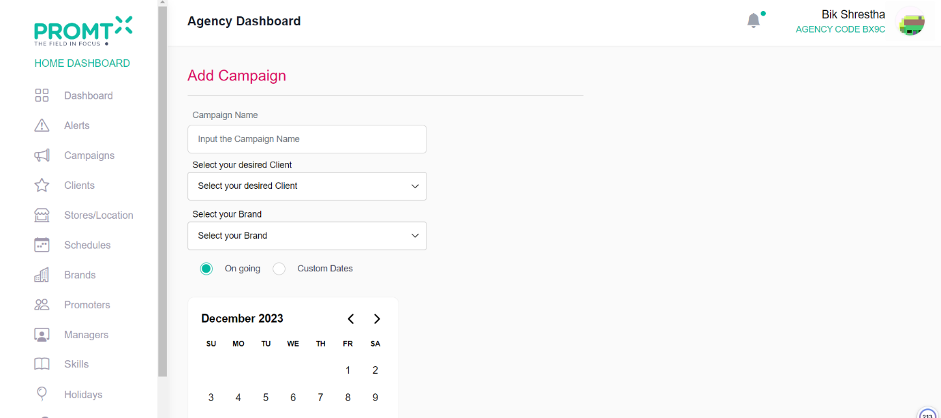
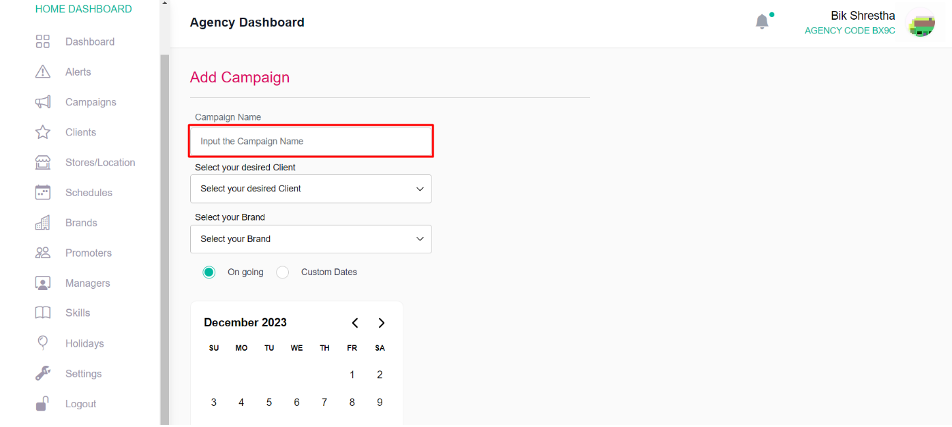
Step 3: Enter the campaign name
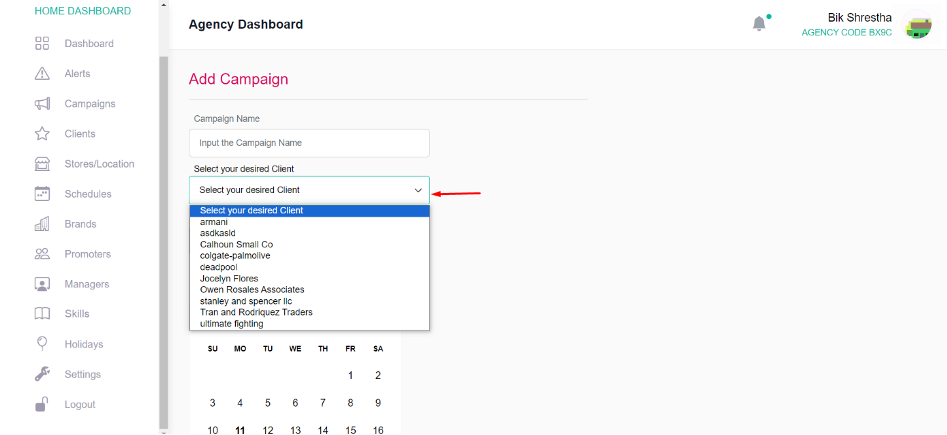
Step 4: Select the client (company) from the dropdown.
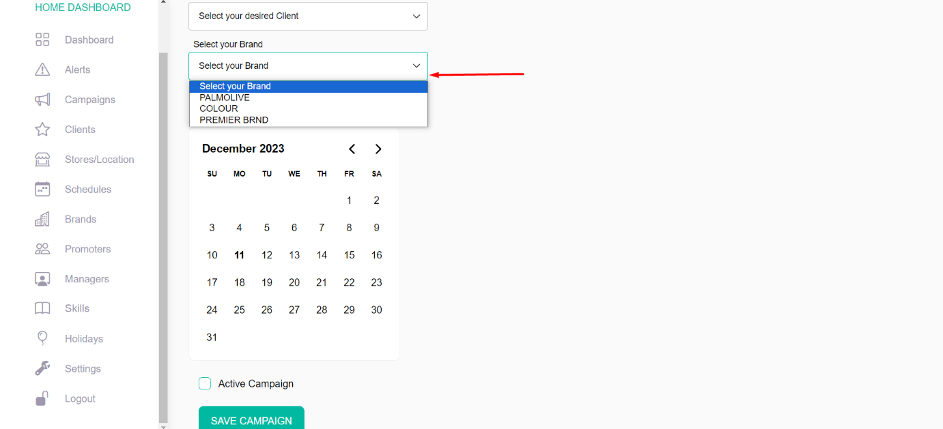
Step 5: Select the brand from the dropdown.
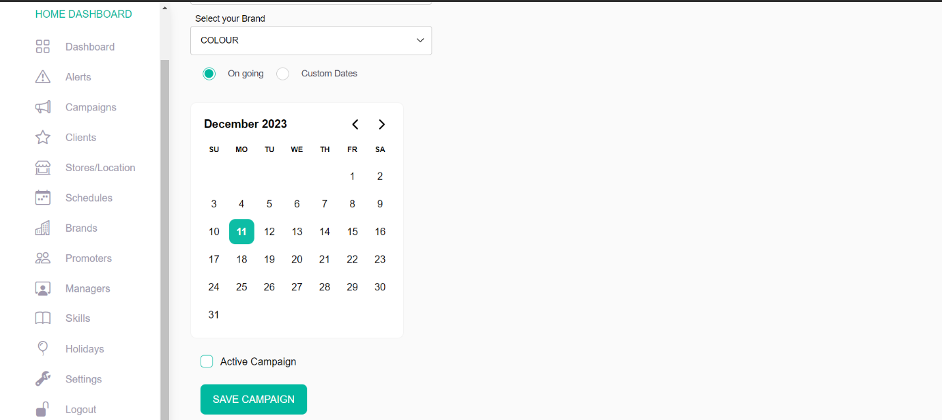
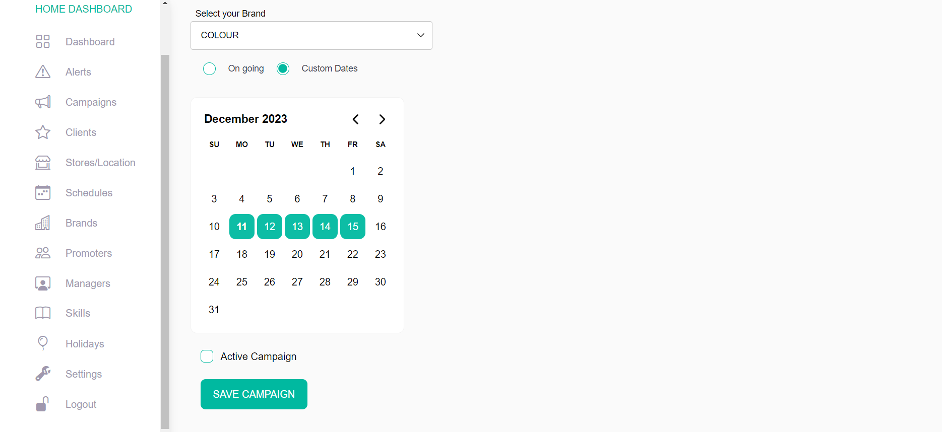
Step 6: Determine the campaign duration by selecting either “On-going” or “Custom Dates.” An ongoing campaign runs continuously, whereas a custom date campaign is specific to the dates you select. For an ongoing campaign, users should pick the start date from the calendar. In the case of custom dates, users need to select the specific date for the campaign.
On going campaign dates
Custom dates for campaign
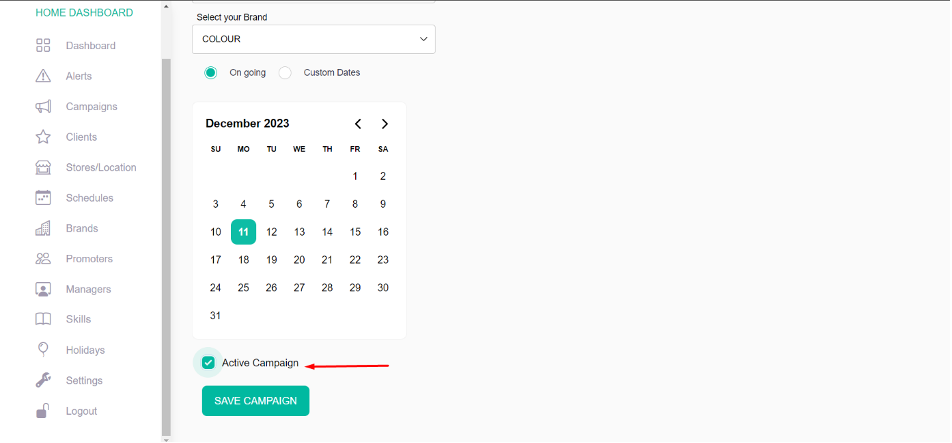
Step 7: Click on Active Campaign
Step 8: Click on Save Campaign
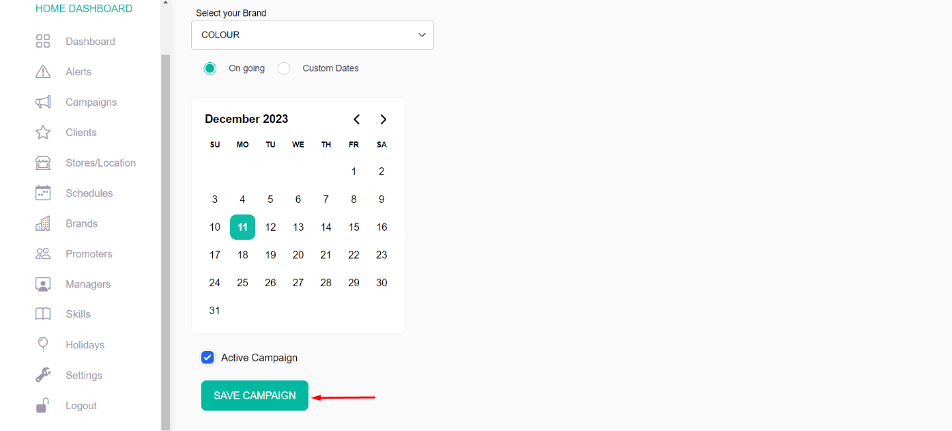
Note: After creating the campaign, users can access and view it on the campaign page.