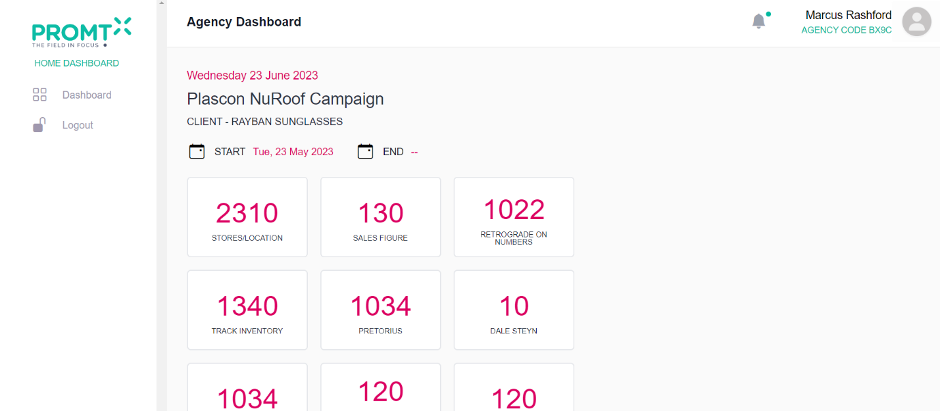
After Adding the client and giving the campaign access now client can login to the system.
Note: For login, Client should have already registered in the system.
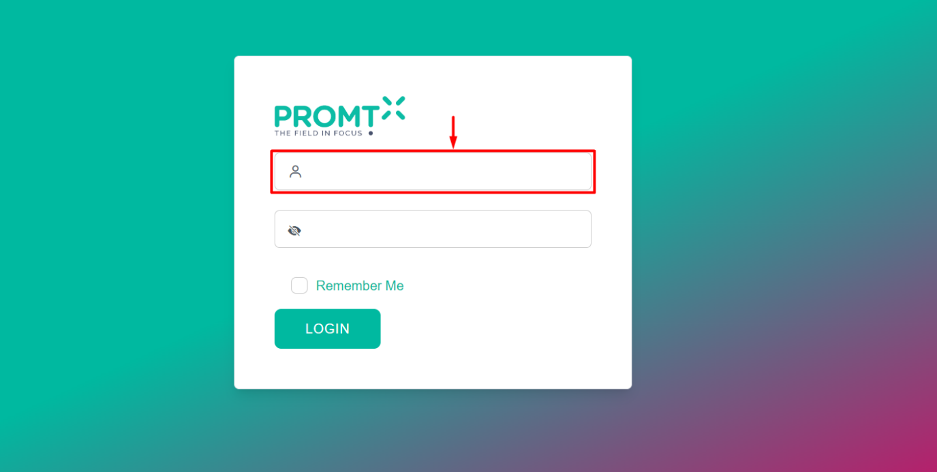
Step 1: Enter the registered Email in the “Email” field.
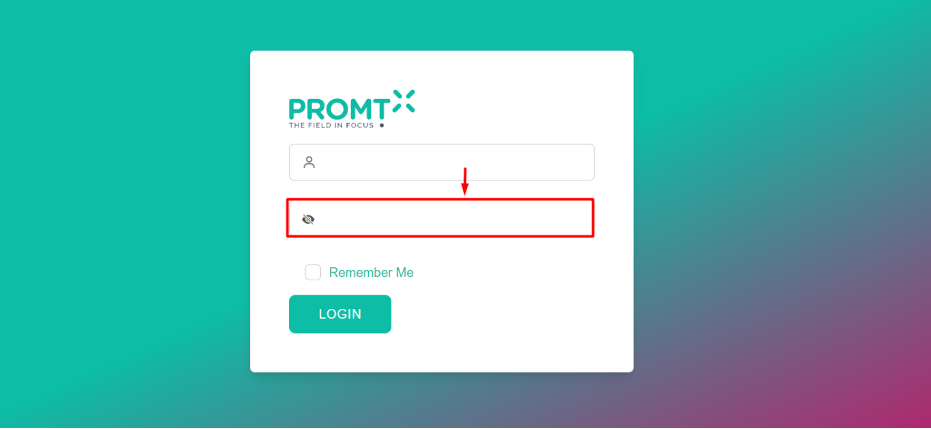
Step 2: Enter the registered password in the “Password” field.
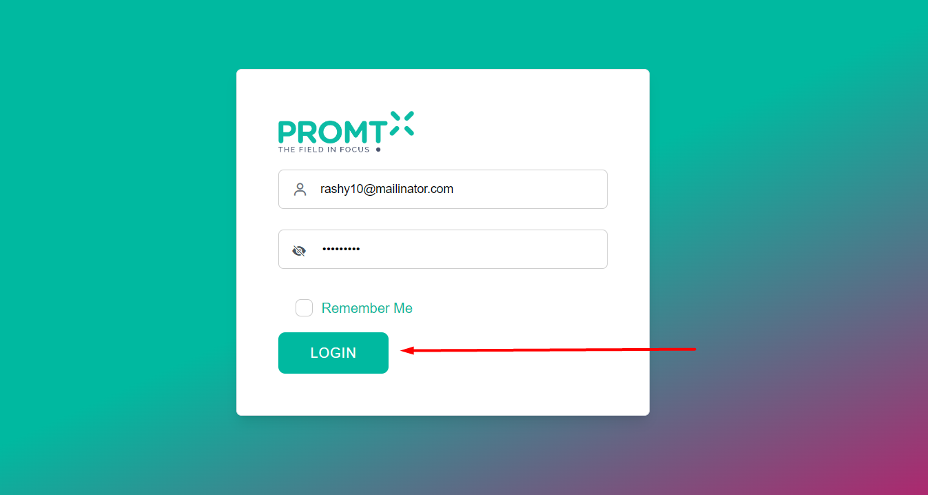
Step 3: Click on the “Login” button.
Note: – Client will be logged in and will be redirected to the Client dashboard.