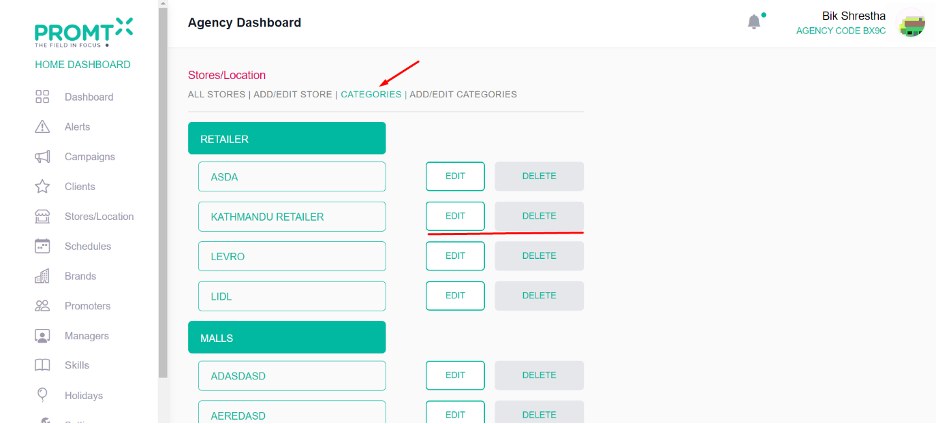
To ensure the seamless integration of a store into the campaign, users must first create a schedule, add categories (Retailer, Malls, and Regions), and store through the agency dashboard. Only after completing these steps will the created schedule added categories and stores become visible within the campaign dashboard. Therefore, the initial process involves creating a schedule, adding categories and store on the agency dashboard.
Add Categories
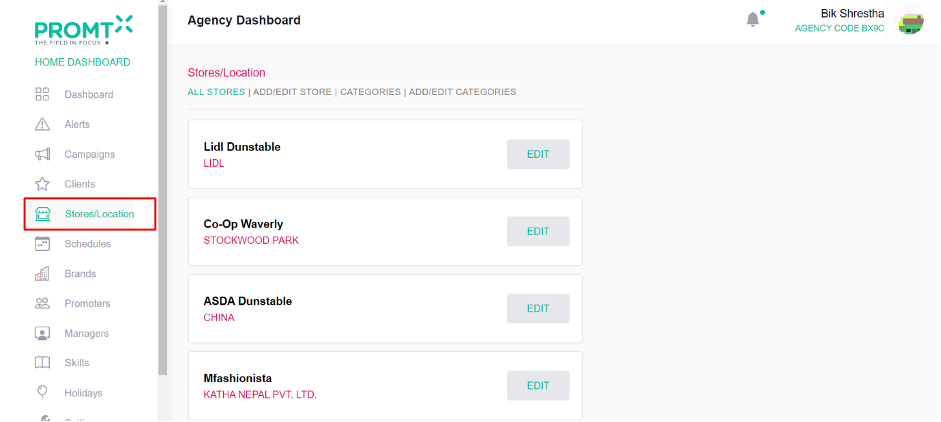
Step 1:Click on the Store/Location from the side-navbar
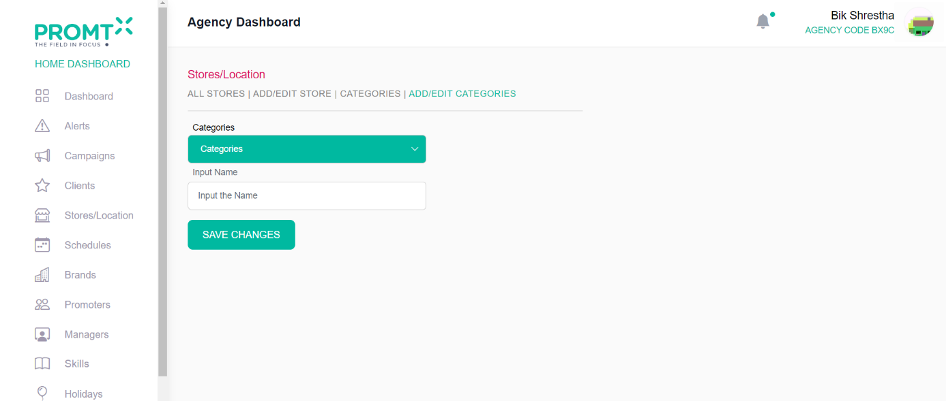
Step 2: Click on Add/Edit Categories
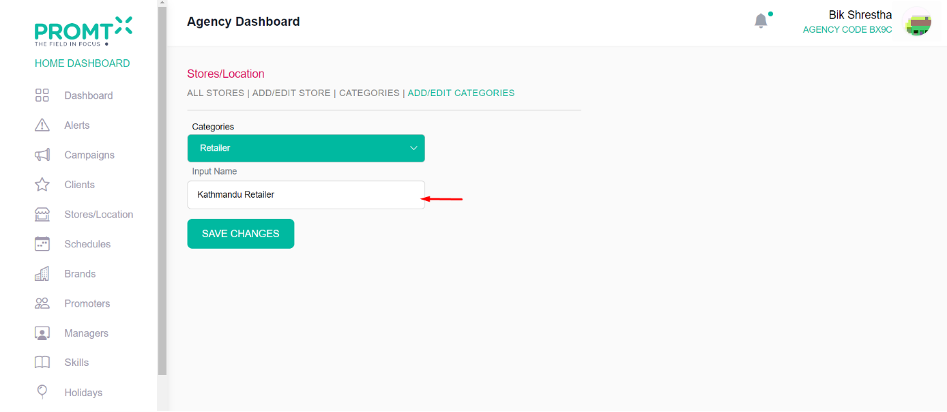
Step 3: Click on Categories dropdown and select the desired option.
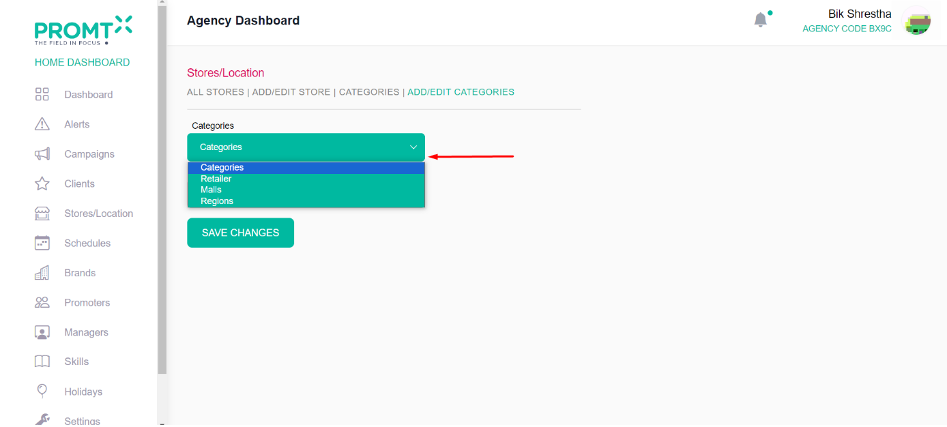
Step 4: Enter category name in the input field.
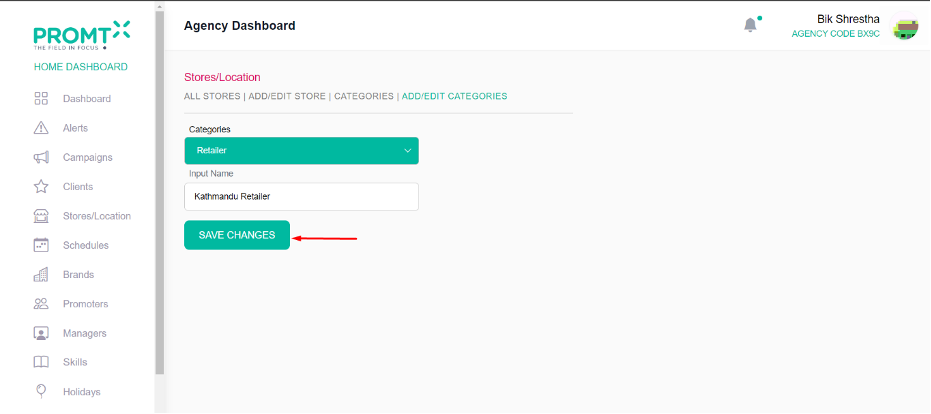
Step 5: Click on Save Changes
User is able to edit and delete the categories from the categories list page.