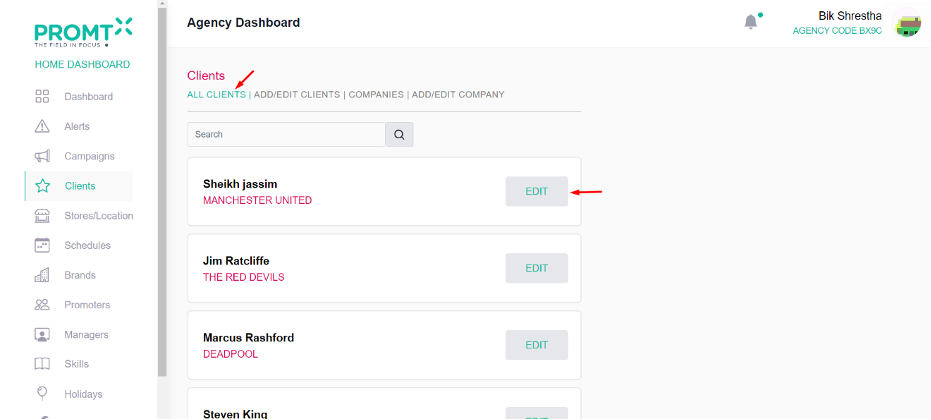
To Add Client User should be on the Agency dashboard.
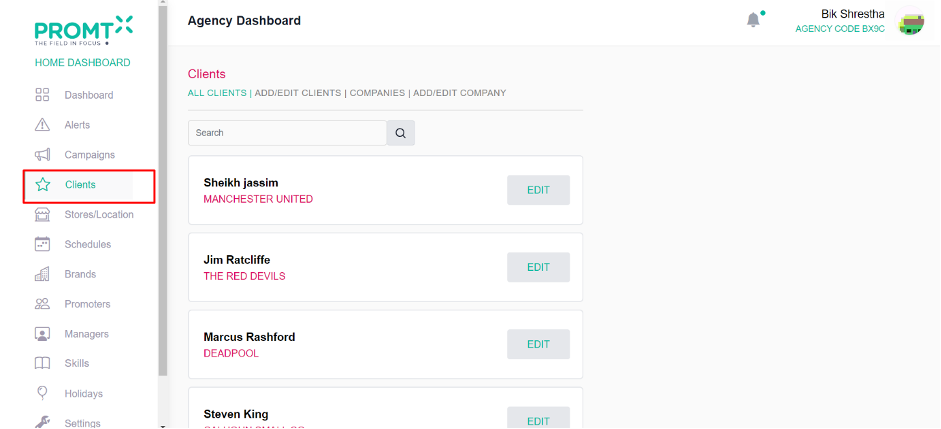
Step 1: Click on the Client from the side-navbar.
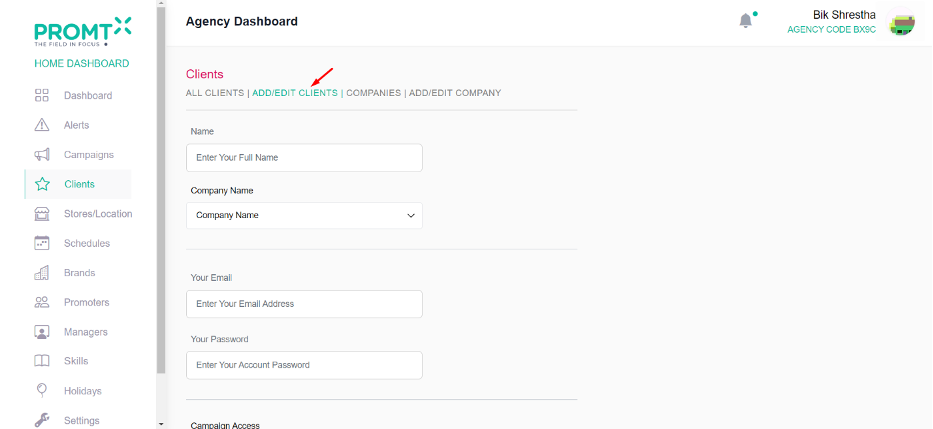
Step 2: Click on Add/Edit Clients
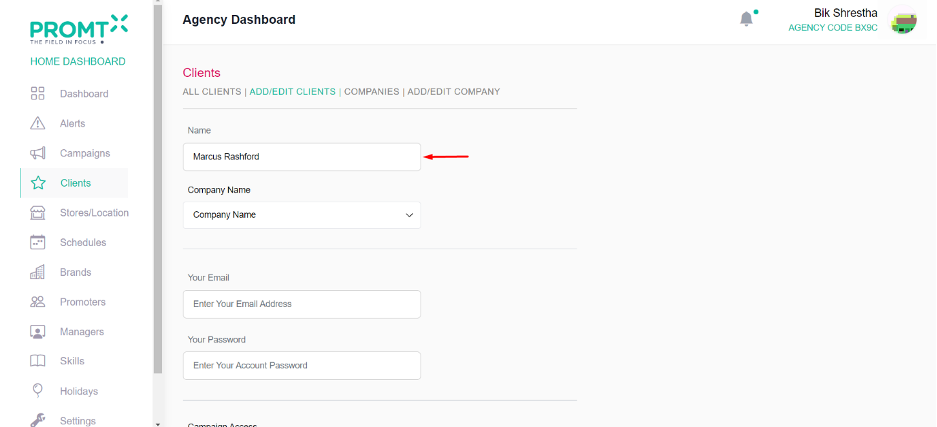
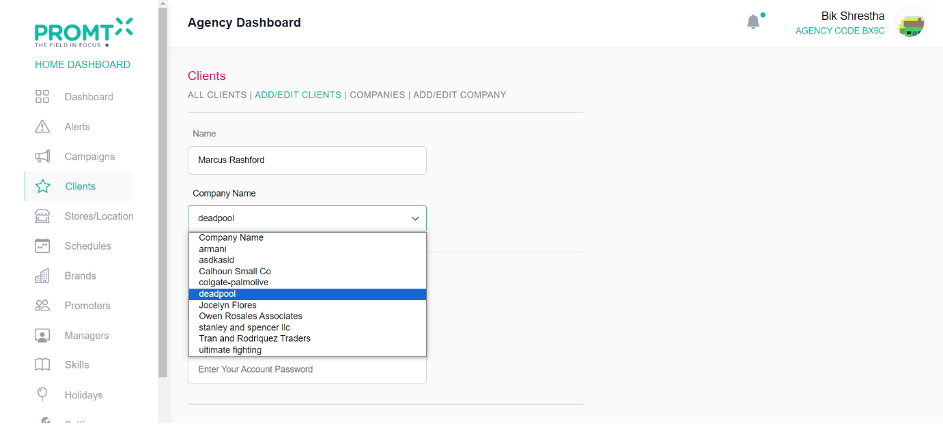
Step 3: Enter the client Name
Step 4: Select the company from the dropdown.
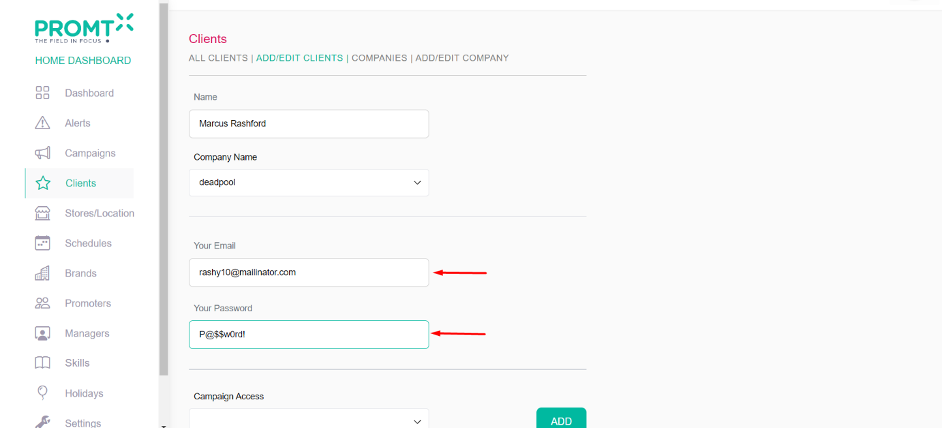
Step 5: Enter client email and password in the email and password field.
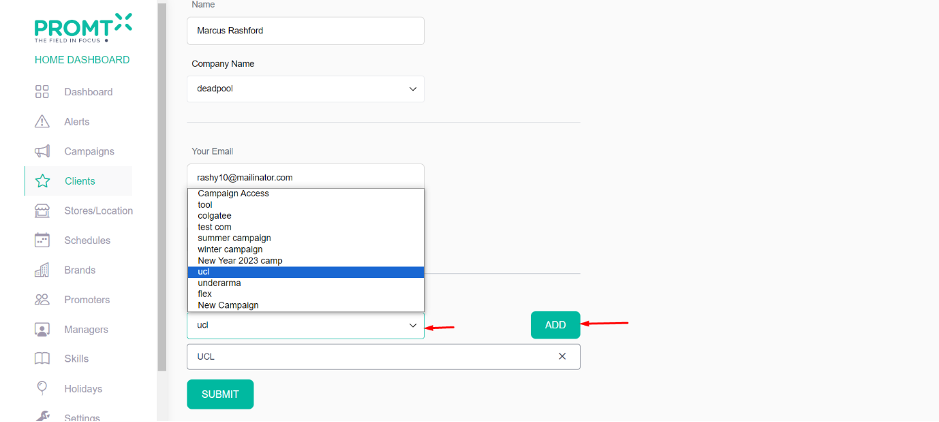
Step 6: If user want to give access of campaign to the client, then select the campaign from the campaign access dropdown and click on add.
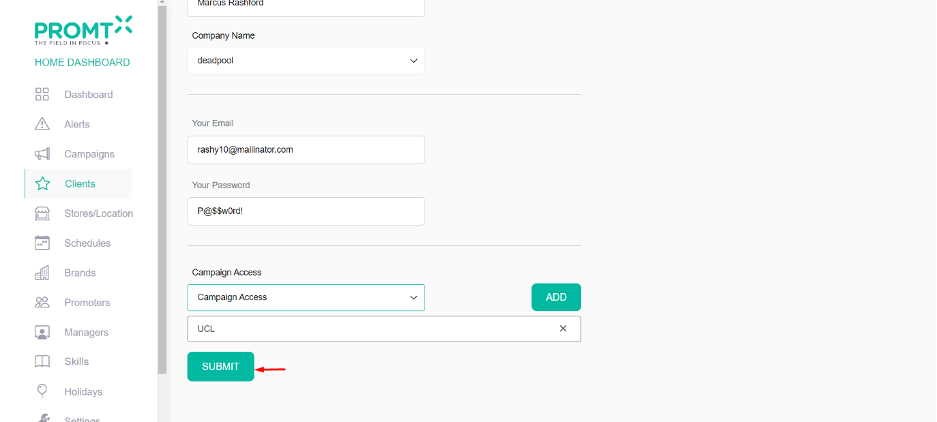
Step 7: Click on Submit.
User are able to view the client list and able to edit the client from the all client page.