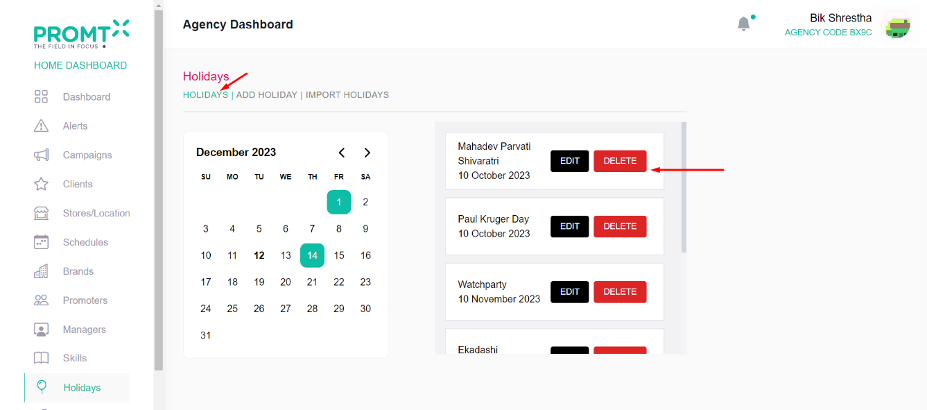
To Add Holiday User should be on the Agency dashboard
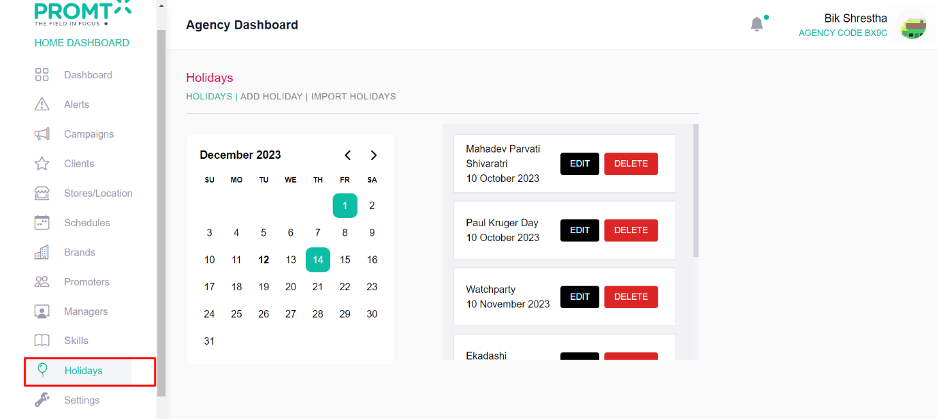
Step 1: Click on the Holidays from the side navbar
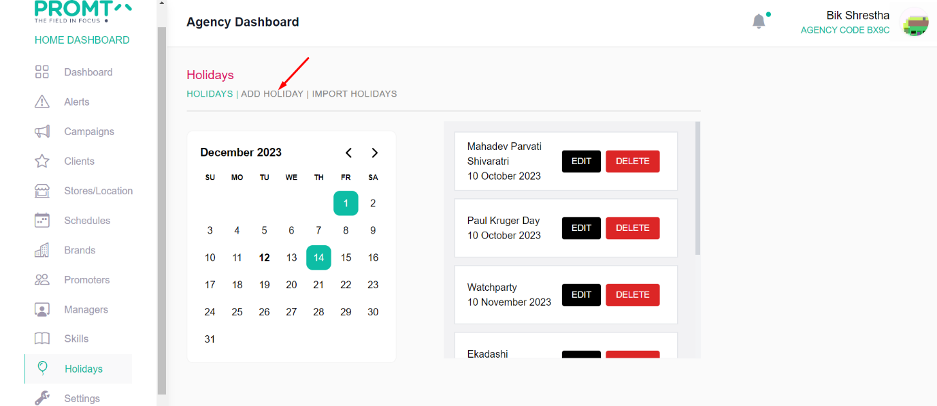
Step 2: Click on Add Holiday
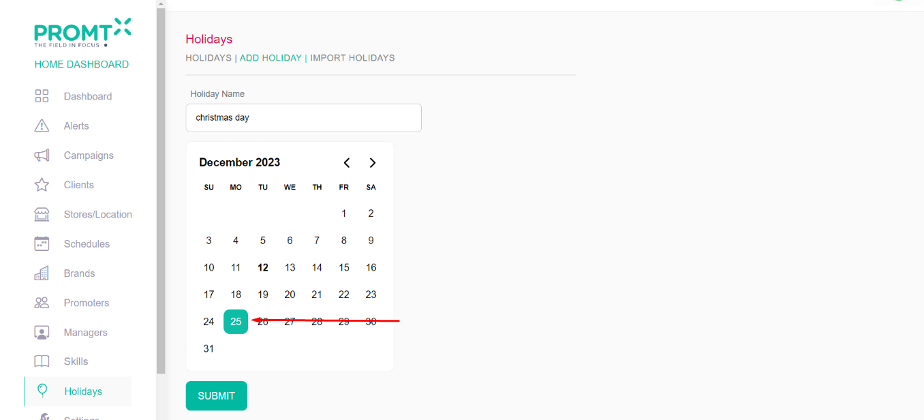
Step 3: Enter holiday name on the input field
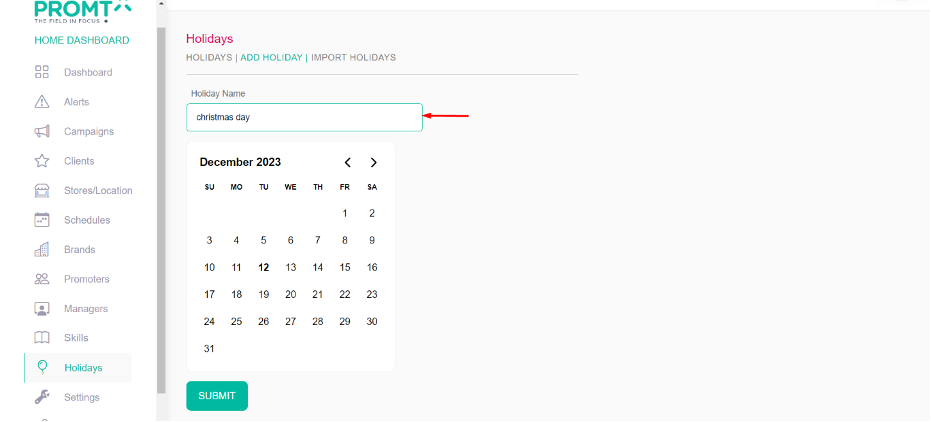
Step 4: Select the day from the calendar
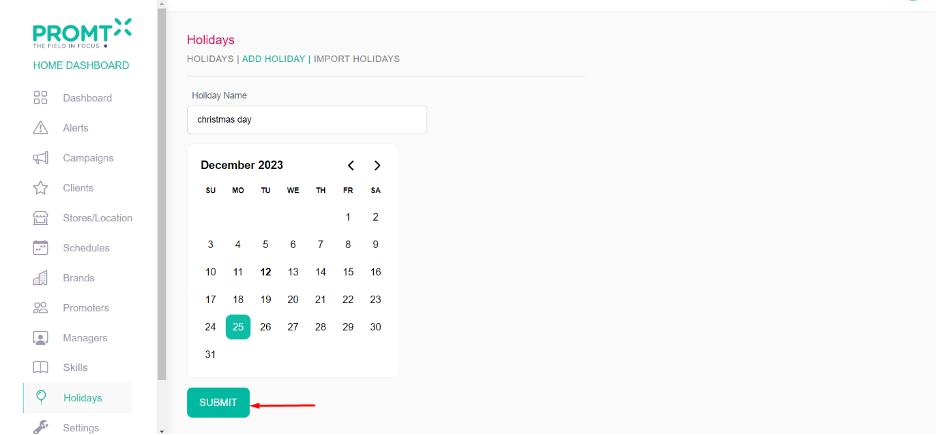
Step 5: Click on Submit
User can able to view the list of holiday and able to delete and edit the holidays from the holiday page.
Step 6: Click on Holidays