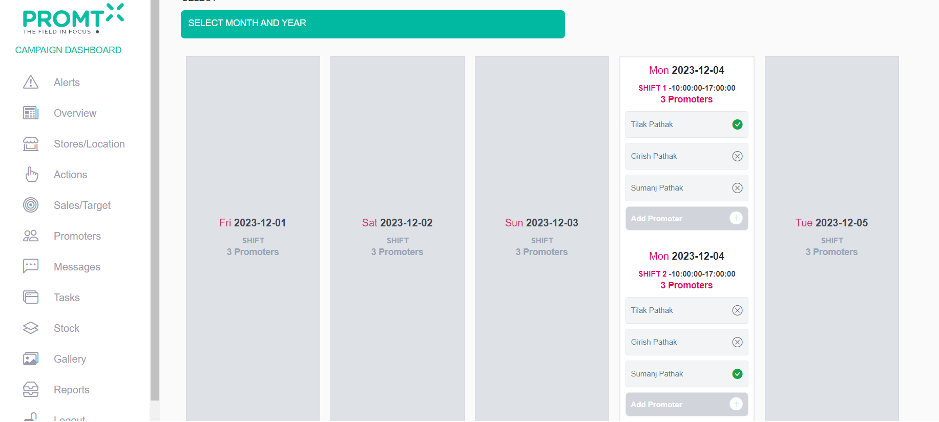
To View the Added store and update schedule, User should be on the Campaign dashboard.
Step 1: Click on Store/Location
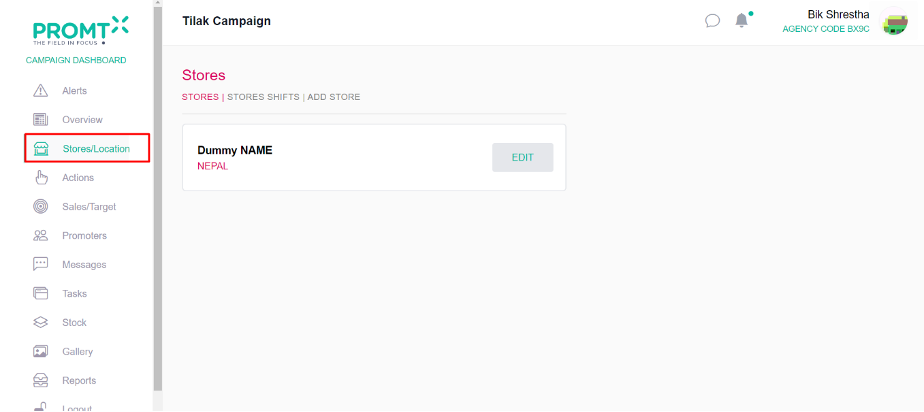
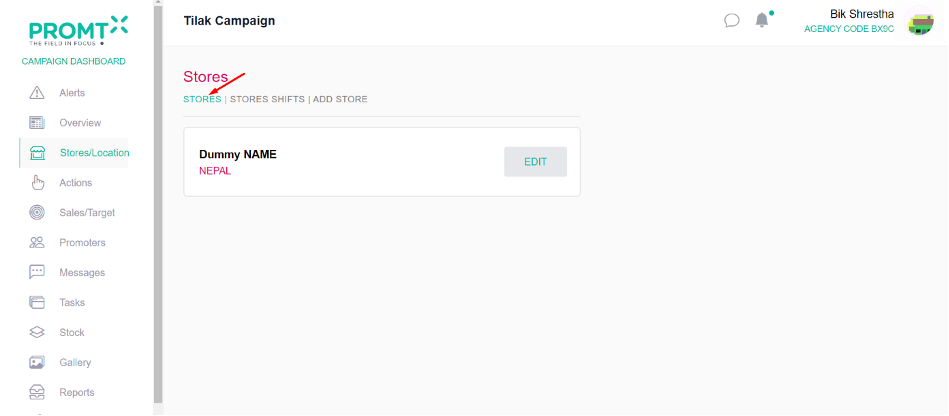
Step 2: Click on the store.
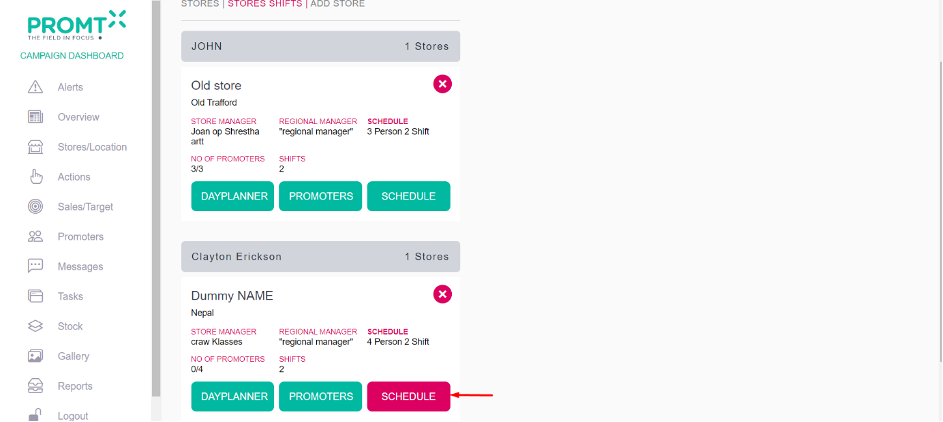
Step 3: Click on Edit or Schedule user will redirected to the store hours.
From Store Page
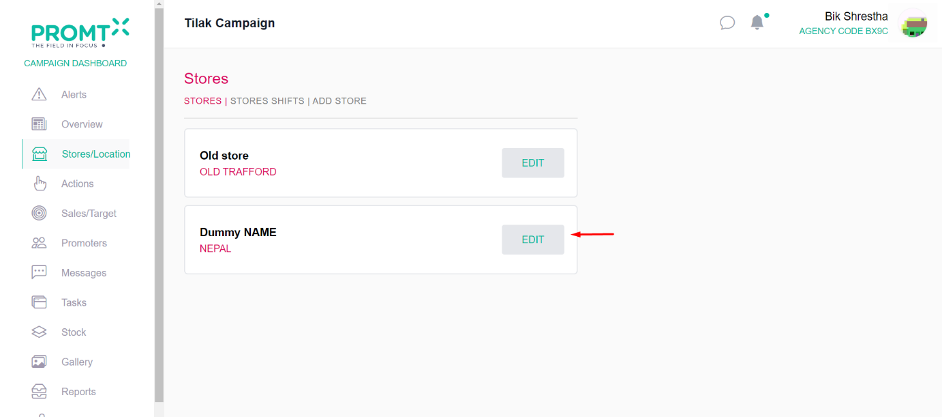
From Store Shift Page
Step 4: Set the time and click on submit.
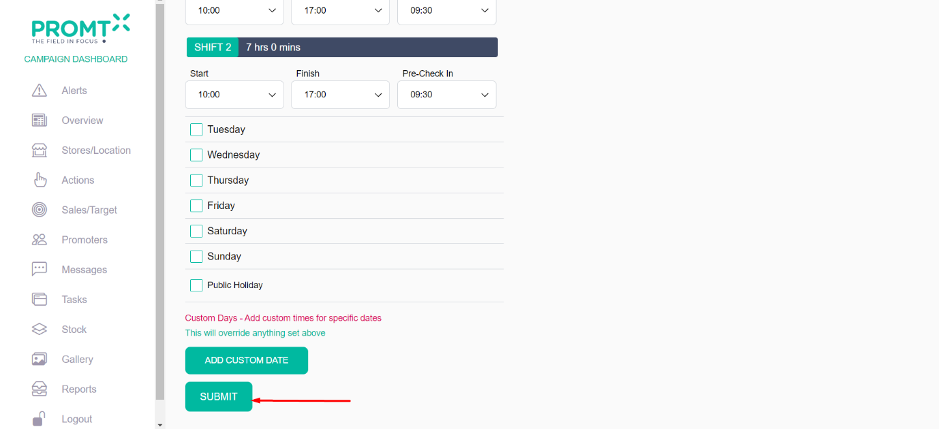
Note: If a user unchecks days from the schedule and click on submit, it signifies that those unchecked days are considered holidays in the day planner.